
Why Natel
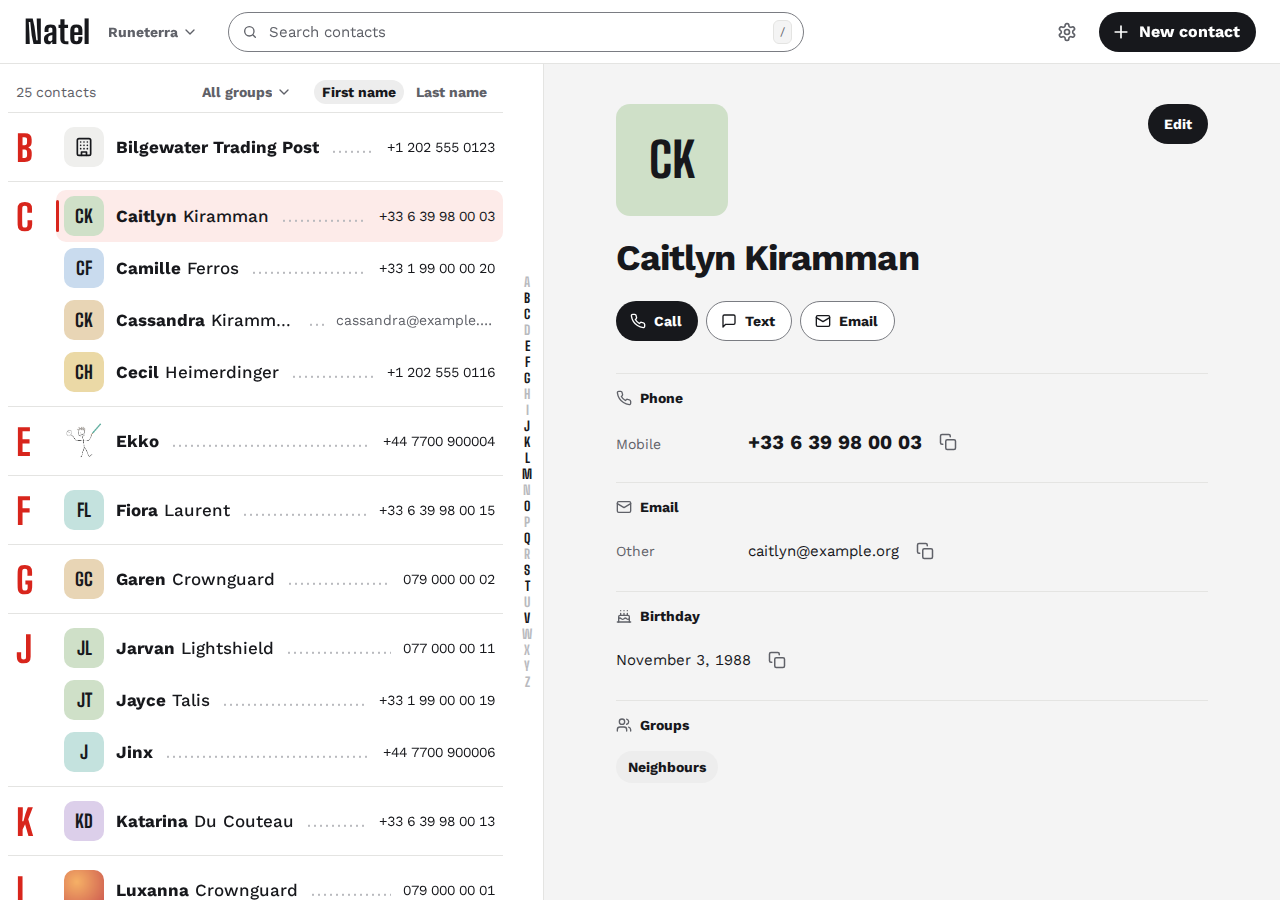
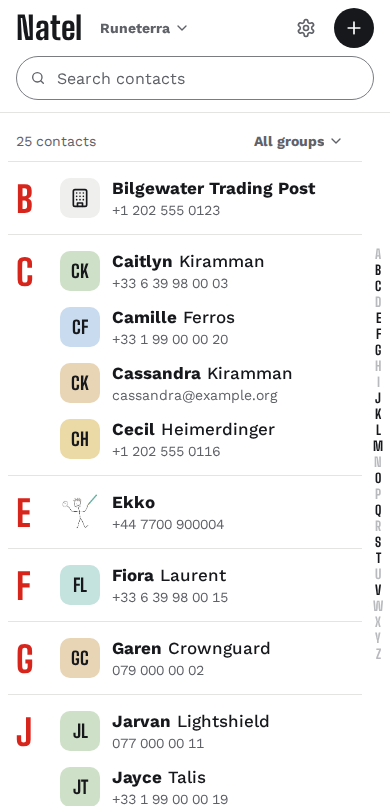
A CardDAV server keeps your contacts in sync across devices, but it may have no contact editor in the browser. Natel is that editor, without a groupware suite: contacts only, one container, one server URL.
You need an existing CardDAV server and account. Natel edits the contacts already on it, the same ones your phone and desktop use. It doesn't store contacts itself.
Contacts only: no calendar and no tasks. Natel needs a connection to your server, with no offline mode.
What it does
- Search
- Names, phone numbers, email addresses and organisations.
- Edit
- Create, edit and delete contacts: names, phones, emails, addresses, birthdays, websites and notes.
- Photos
- Add a photo and crop it. Large photos are scaled down.
- Groups
- Filter by group and change who is in it, in the group cards Apple and DAVx⁵ use.
- Address books
- Switch between books and move a contact to another.
- Import and export
- Import a
.vcffile into a book, or export a whole book. - iPhone and Android
- Shows what iPhone and DAVx⁵ write: custom labels, birthdays without a year. Photos keep their orientation.
- Phone and desktop
- English or French, light or dark, keyboard shortcuts, installable as an app.
Your data
-
Fields it doesn't edit are kept. Properties, parameters and groups the editor doesn't show are written back on save. Round-trip tests cover this.
-
Changes from other devices aren't overwritten. If a contact changed on your phone after Natel read it, saving shows a conflict instead of replacing it.
-
Tested against real servers. The end-to-end suite runs in CI against Baïkal, Radicale and Xandikos. Nextcloud and other servers aren't in it: see compatibility.
-
Your password stays off disk. Natel checks it against your server and keeps it in memory for the session, up to 7 days. Your browser only holds a session cookie that page scripts can't read.
-
No analytics.
Update notifications. Your server checks for new releases. You can turn this off.
Self-host
- 26 MB Compressed image
- ~16 MB RAM at idle
Measured on linux/amd64, 15 October 2026.
Docker
In a compose.yaml, set CARDDAV_URL to your CardDAV server's origin:
services:
  natel:
    image: ghcr.io/kewindousse/natel:0.4
    environment:
      CARDDAV_URL: https://dav.example.com
    ports:
      - "127.0.0.1:8080:8080"
docker compose up -dThen open http://localhost:8080 and sign in with your CardDAV account. For HTTPS, reverse proxies and other options, see the deployment guide.
Bare metal
You need
 Node 24
with pnpm,
Node 24
with pnpm,
 Go 1.27
and
Go 1.27
and
 Caddy 2.11.7
or later.
Caddy 2.11.7
or later.
- Check out a release tag, then run
pnpm buildfor the app andgo buildfornatel-session. - Copy
dist/into a folder of its own, never the repository, with the Caddyfile andnatel-session. - Run Caddy under
natel-sessionin its systemd service, withCARDDAV_URLset, then restart Caddy.
Every command and setting: running without Docker.
Beta software. Export your address books, or back up your server, before your first edit.